


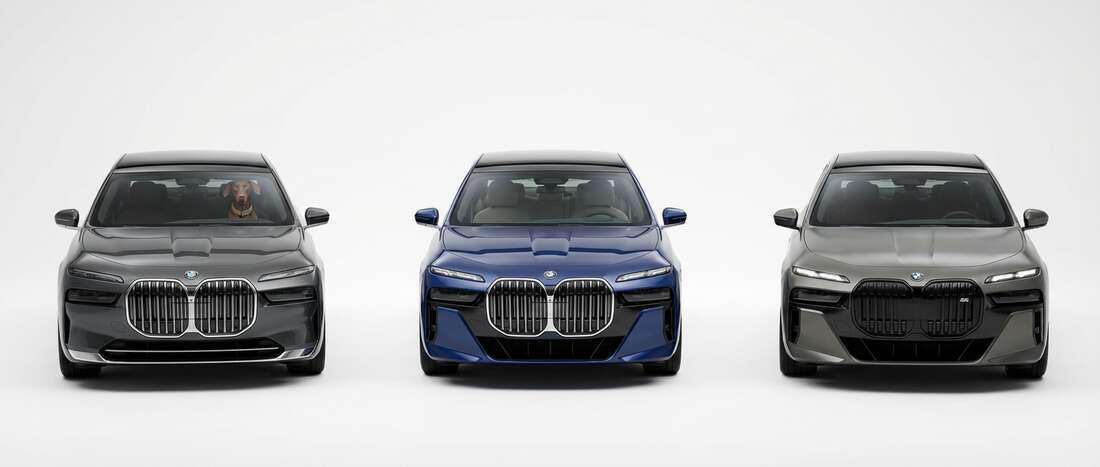
BMW i7 Touch Up Paint (78 OEM Colors)
Search for your i7's color
-

Mineral White Metallic Tricoat
BMWCOLOR CODEA96 -
Mineral White Metallic Tricoat 🔥 Ordered 51 times recently -

Alpine White III
BMWCOLOR CODE300 -
Alpine White III 🔥 Ordered 47 times recently -

Brooklyn Gray
BMWCOLOR CODEC4P -
Brooklyn Gray 🔥 Ordered 42 times recently -

Black Saphire Metallic
BMWCOLOR CODE475 -
Black Saphire Metallic 🔥 Ordered 38 times recently -
Carbon Black Metallic
BMWCOLOR CODE416 -
Carbon Black Metallic 🔥 Ordered 16 times recently -

Sophisto Gray Pearl
BMWCOLOR CODEA90 -
Sophisto Gray Pearl 🔥 Ordered 6 times recently -

Dravite Grey Tricoat
BMWCOLOR CODEC36 -
Dravite Grey Tricoat 🔥 Ordered 5 times recently -

Aventurine Red
BMWCOLOR CODEX15 -
Aventurine Red 🔥 Ordered 5 times recently -

Frozen Pure Grey
BMWCOLOR CODEC5A -
Frozen Pure Grey 🔥 Ordered 2 times recently -

Cinnabar
BMWCOLOR CODE138 -
Cinnabar 🔥 Ordered 1 times recently -

Boston Green Metallic
BMWCOLOR CODE275 -
Boston Green Metallic 🔥 Ordered 1 times recently -

British Racing Green
BMWCOLOR CODE312 -
British Racing Green 🔥 Ordered 1 times recently -

Midnight Blue Metallic
BMWCOLOR CODE453 -
Midnight Blue Metallic 🔥 Ordered 1 times recently -

Alpinweiss III
BMWCOLOR CODE4090 -
Alpinweiss III 🔥 Ordered 1 times recently -

Carbonschwarz
BMWCOLOR CODE9965 -
Carbonschwarz 🔥 Ordered 1 times recently -

Black Saphir
BMWCOLOR CODE9994 -
Black Saphir 🔥 Ordered 1 times recently
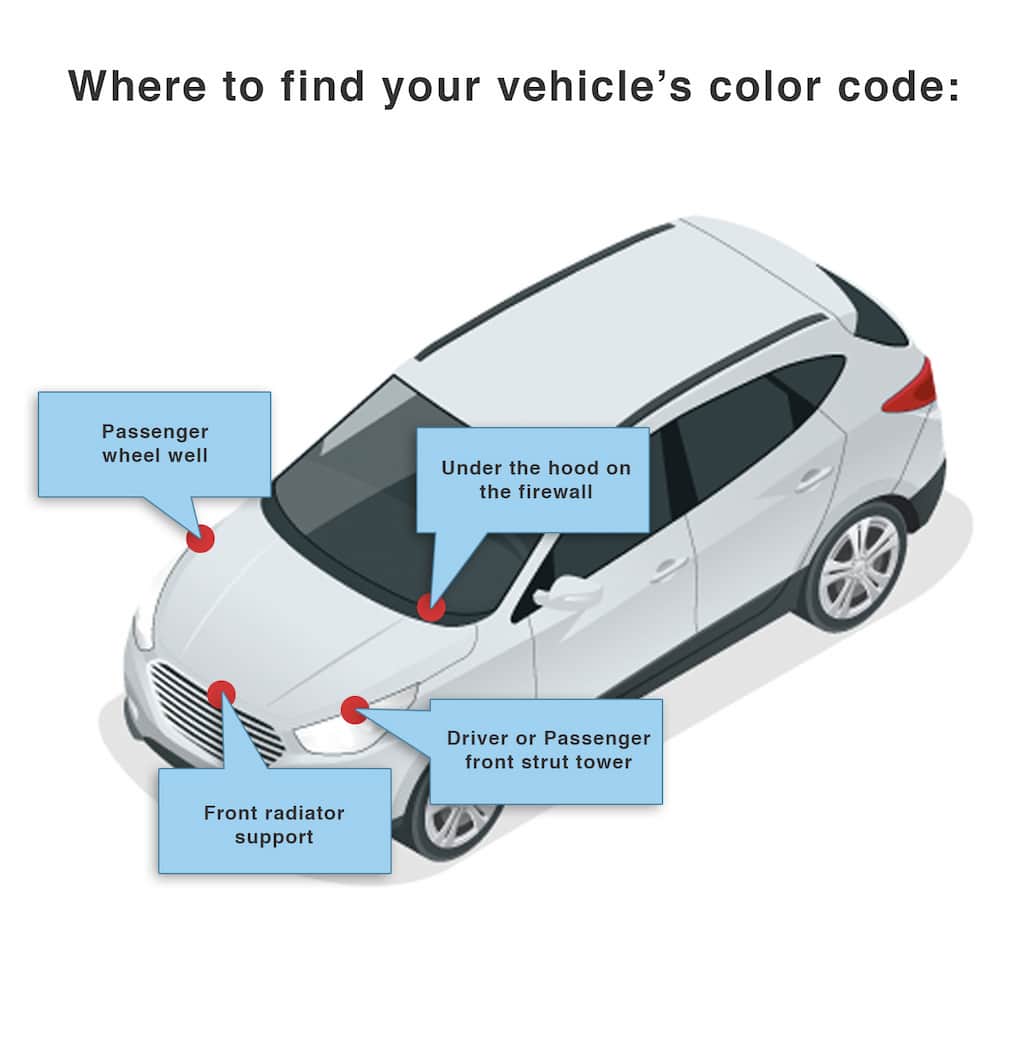
Find Your BMW i7 Paint Code
BMW Color Codes are usually found on the Color ID Tag in the driver-side door jamb or B-pillar area. The Color ID Tag is typically a sticker or plate; on some models and years it may be under the hood, sometimes at the back of the engine compartment near the firewall. BMW Color Codes are usually 3 digits, but can also appear as A52 or an older format like 354/7; common examples include 300, 475, A52, or 354/7.